Helpful Tech Resources for Seniors
Back Up Your Photos and Files
Keep Your Photos Safe with an External Backup
Simple, practical ways to back up your photos and important files without relying only on cloud storage. These external drives are easy to use and give you an extra copy of the files you want to keep safe.
Cloud storage can be useful, but keeping an additional copy of your important photos and files on an external drive gives you extra protection and control. It’s a simple way to create a backup you can keep safely at home.
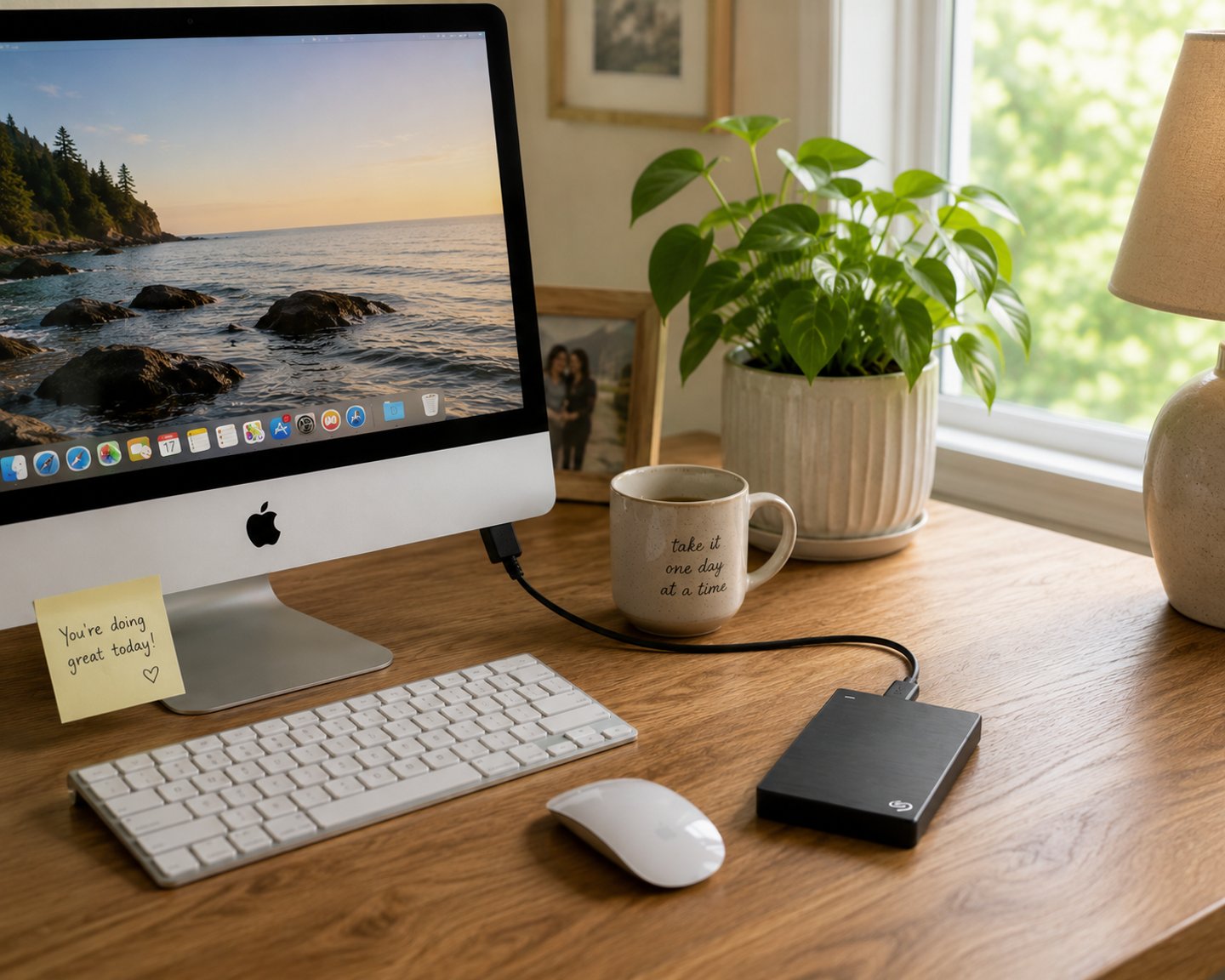
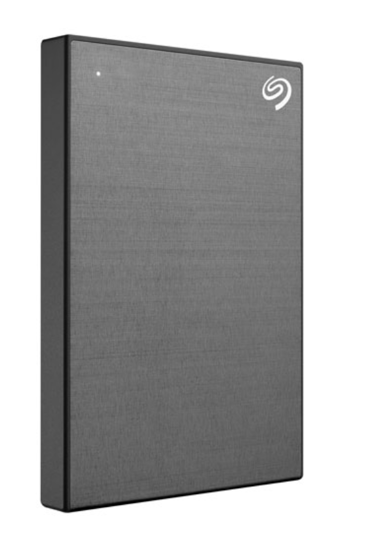
Seagate Backup Plus 2TB External Hard Drive
A Simple, Reliable Option for Home Backups
Very simple one-button backup on some models
Works with both Windows and Mac
Slim and lightweight design
Trusted brand seniors recognize
Good value for the storage you get
How to set it up (it's easier than you think!)
Plug the drive into your computer using the included cable
Your computer will recognize it automatically
Open the backup software that comes with the drive
Choose your photos and documents folders
Click backup and you're done!
Not sure how to get started? I walk my clients through this step by step. Contact me and we can set it up together.
This page contains affiliate links. If you purchase through these links, I may earn a small commission at no extra cost to you. I only recommend products I genuinely use and trust with my own clients. Sage-Tutoring
My top pick
Why not just use the cloud?
Cloud storage like Google Photos or iCloud is convenient, but it has real downsides, especially for seniors:
Free storage fills up fast, then you have to pay monthly
Your photos are stored on someone else's servers
It can be confusing to access your files when you need them
An external drive keeps everything in your home, under your control, for a one-time cost.
Stay Safe Online
A Sage Tutoring Guide on how to spot scams & protect yourself on your phone & computer.
The 7 Most Common Scams Targeting Seniors.